Coding cans and metal containers
Metal containers are commonly marked on the base, lid, side wall, label or outer pack. Curvature, reflectivity, line speed, temperature and moisture make sample testing and product presentation essential.
Select a code location that the line can present consistently
The preferred consumer-facing position may not be the easiest area to print or inspect. Review the product path, guides, base support, accumulation and case-packing contact before finalising artwork.
| Location | Possible benefit | Key checks |
|---|---|---|
| Base | Can keep the mark away from main artwork and may offer a defined panel. | How the base is exposed, conveyor support, printhead access, product tracking, base profile and camera view. |
| Lid or end | Potentially visible and accessible at a controlled point before or after closing. | Orientation, seam or ring-pull features, closure process, lid handling, code position and downstream contact. |
| Side wall | Can be read without lifting the pack and may align with label or artwork. | Curvature, rotation, print distance, ribs, lacquer, moisture, guides and the range of diameters. |
| Label or sleeve | Provides a more controlled print surface and can combine fixed artwork with variable data. | Label coating, application tolerance, coding before or after application, condensation and adhesion. |
Metal-pack coding variables
Surface and finish
Bare or coated metal, lacquer, ink, print varnish, colour and contamination affect adhesion and contrast. Trial every materially different finish.
Temperature and moisture
Hot filling, retort, cooling, refrigeration and condensation can change the surface before and after coding. Locate the printer where the code can be controlled and protected.
Movement and pitch
Round containers can rotate, touch or close gaps during accumulation. Use guides and sensors that maintain the approved print window without smearing the fresh mark.
Choose the inkjet route from geometry and environment
Thermal inkjet can produce high-resolution variable data on a suitable controlled surface. Continuous inkjet is frequently considered for fast, curved or irregular container lines.
- Measure the available print gap across the smallest and largest diameter.
- Test proposed ink on the final lacquer, coating, label or sleeve.
- Check drying before guide, belt, starwheel or adjacent-can contact.
- Run starts, stops, gaps and product rotation at the agreed line conditions.
- Inspect contrast and data after cooling, washing or condensation where relevant.
Do not select by inkjet name alone
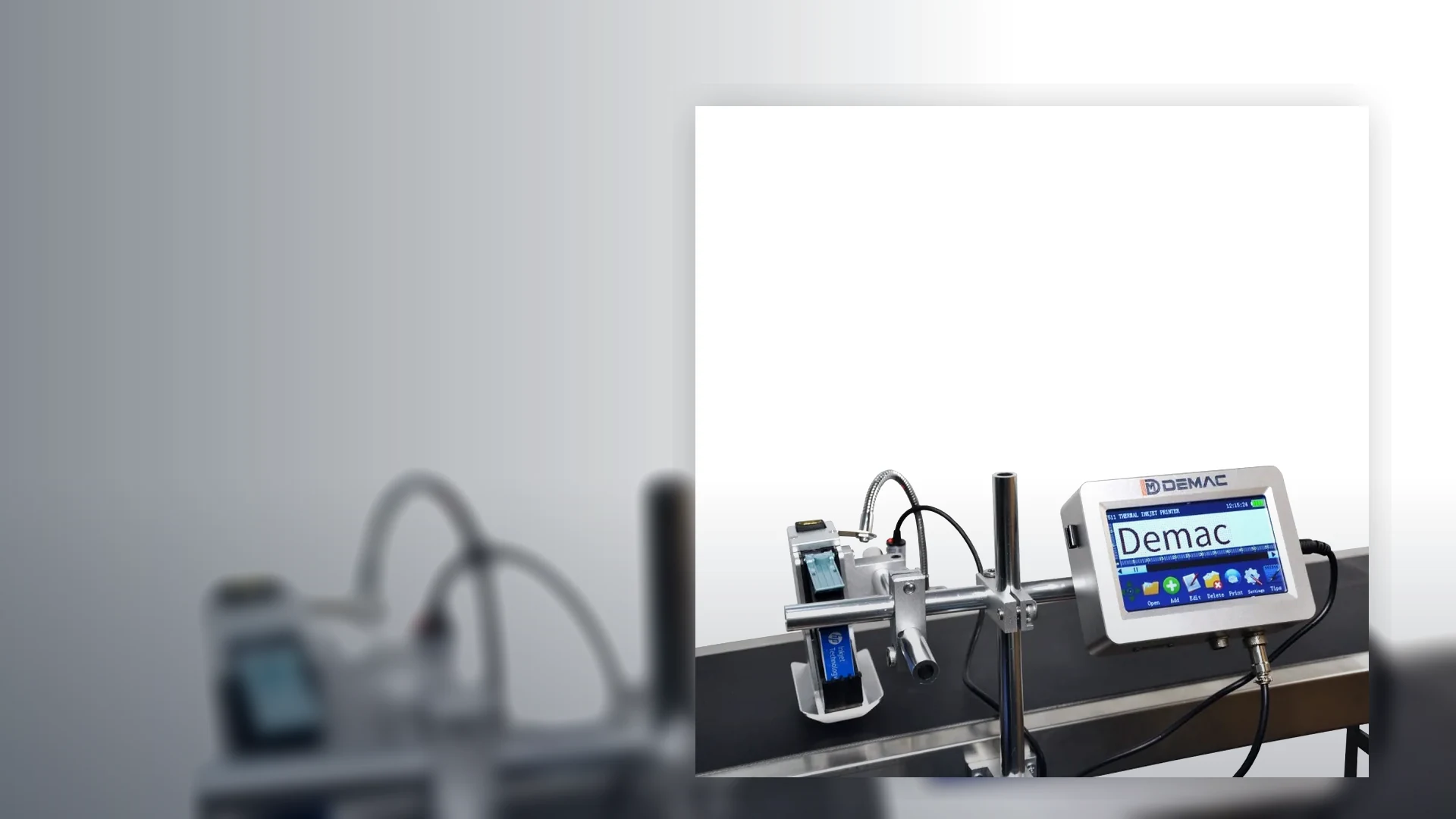
The verified J511 TIJ page gives its print and environmental data. Broader CIJ and specialist ink requirements belong in the Lancing Inkjet Coder route.
Use the TIJ versus CIJ guide to prepare a fair sample trial.
Inspection on reflective curved metal
Control orientation
Keep the code inside the camera field despite product rotation and diameter changes.
Control lighting
Use an angle and illumination that manage glare, reflections and background artwork.
Set the right rule
Separate presence, character comparison, barcode decode and formal verification.
Track to containment
Prove the camera-to-reject distance, gaps, stops, accumulation and reject confirmation.
Can-coding trial and quotation checklist
Provide each container diameter, height, end style, coating, colour and label or sleeve variant. Include representative filled packs if weight, temperature or condensation changes handling.
Mark preferred code areas and state whether consumers, operators, scanners or cameras need to read the mark in a particular orientation.
Send the complete message, character or symbol size, date and batch rules, data source and changeover frequency.
Provide line speed, pitch, conveyor width, guide arrangement, accumulation, available mounting space and a video showing normal movement and stops.
Control changeovers between can formats
A can-coding changeover should control more than the message. Diameter, height, end profile, guide position, sensor timing, print distance, camera field and reject tracking can all change together. Record the approved settings for each format and make the first-off check a release condition before normal production resumes.
Mechanical setting
Use repeatable reference points for guides, brackets and sensor positions. Confirm that the smallest and largest formats remain stable through starts, stops and accumulation.
Data setting
Reconcile the selected job, date rule, batch source and product identity. Restrict obsolete messages and confirm how operators recover after a power or communications interruption.
Inspection setting
Store the approved camera region, lighting and decision rule by format. Challenge a missing, wrong and unreadable code and prove containment before releasing the line.
Can and metal-container coding FAQs
Which printer is used for coding cans?
Continuous inkjet is often assessed for moving curved metal containers, while thermal inkjet may suit a controlled flat area or label with a compatible ink. The exact pack, code position and line movement determine suitability.
Can a code be printed on the base of a can?
Yes, where the conveyor or handling system exposes the base and maintains a suitable print distance. The mounting, product tracking, visibility and inspection method must be designed around the line.
How does condensation affect can coding?
Moisture can reduce adhesion or contrast and can affect camera inspection. Test the ink and print position at the actual container temperature and surface state.
Why are reflective cans difficult for vision inspection?
Curved reflective metal can create glare and variable contrast. Camera angle, lighting, polarisation, exposure and product presentation may need application-specific design and challenge testing.
What samples are needed?
Provide all can sizes, finishes, colours and labels, plus representative filled or conditioned packs, the full message, line speed, orientation and photographs or video of the product path.
Trial the code at the real can temperature and line movement
Send the cans, complete message, surface condition and line video for an inkjet and presentation review.