Coding consumables, maintenance and support
Plan ink, ribbon, cleaning, changeovers, spare parts and support around the approved coding application.
Treat the consumable as part of the approved process
Ink or ribbon is not a generic accessory. It is one of the variables that determines adhesion, contrast, durability, downtime and cost per pack.
For thermal inkjet, record the exact ink reference approved on the production substrate. The supplied J511 information lists quick-dry eco, water-based and oil-based options, but the correct choice depends on porosity, coating, colour, expected dry time and environmental exposure. Store cartridges according to the supplier’s instructions and rotate stock so age and condition remain controlled.
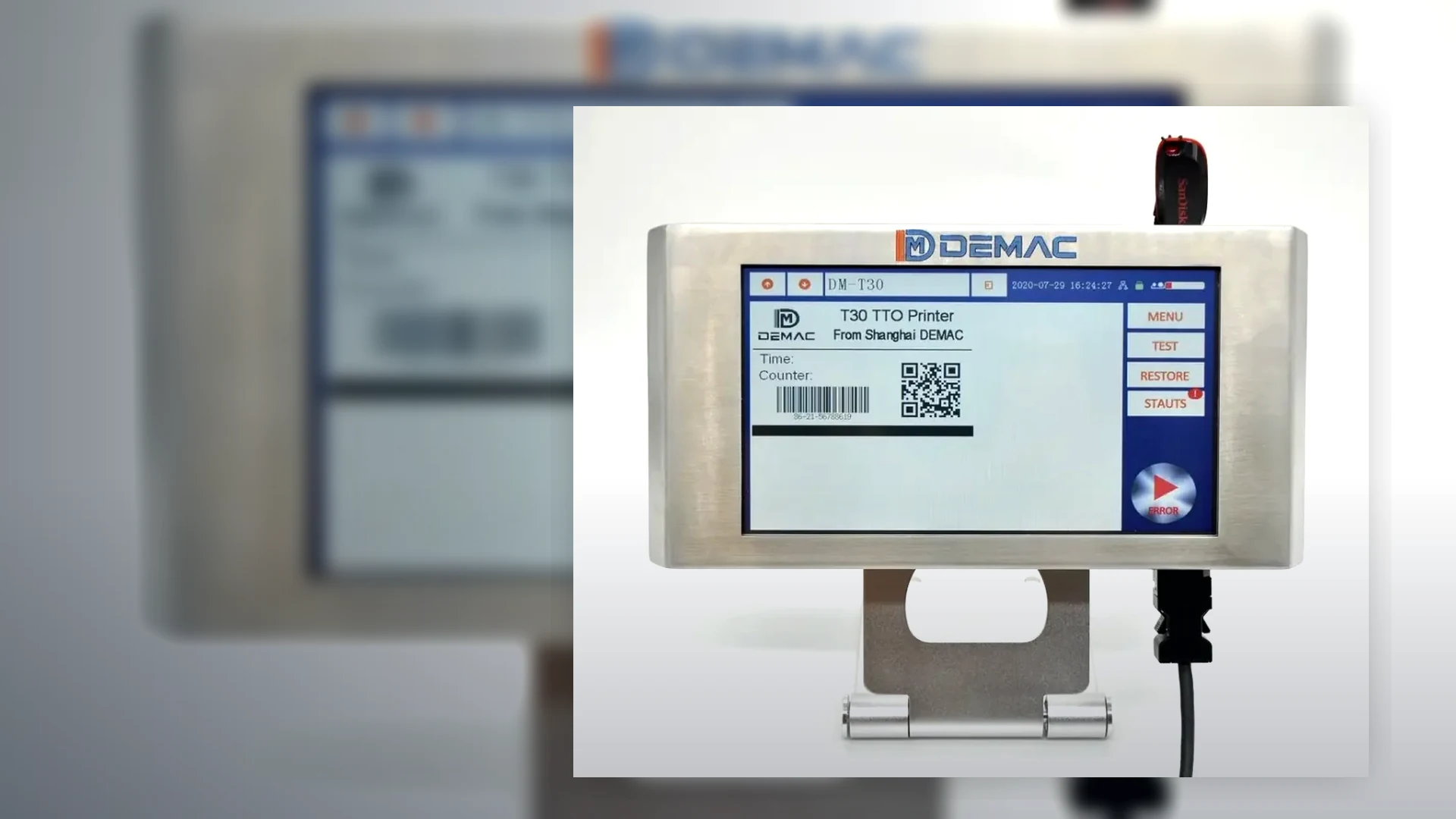
For thermal transfer overprinting, choose ribbon chemistry and width around the film and message. The T30 accepts 22–33 mm ribbon up to 500 m; the T50 accepts 35–55 mm ribbon up to 600 m. A ribbon wider than the print job may increase waste, while one that is too narrow cannot cover the layout reliably.
Hot foil also depends on ribbon and type condition. Keep the character set complete, clean and organised, and inspect the holder for damage or looseness. A changeover checklist should verify every character and retain a first-off sample before production is released.
Cleaning materials must be compatible with the printhead, type, rollers and surrounding machine. An aggressive solvent or abrasive cloth can damage components. The maintenance instruction should identify the approved method, frequency and safety isolation needed for each task.
Plan access before installation. Operators need safe room to replace a cartridge or ribbon, clean the print area and see the first-off code without removing unrelated settings. Poor access can prolong consumable changes and increase the risk of disturbing the printhead position.
Hold practical spares for the agreed machine and duty. The list may include consumables, sensors, cables, printhead or type components and wear parts, but it should be based on the final configuration rather than a generic kit. Record machine identifiers and software versions so support can match the installed equipment.
Consumable and maintenance control table
| Item | Control | Reason |
|---|---|---|
| Approved reference | Link ink or ribbon to the substrate and job approved during the trial. | A different consumable can change adhesion, density and durability. |
| Storage | Follow supplier temperature, humidity, orientation and shelf-life instructions. | Poor storage can affect performance before the consumable reaches the machine. |
| Changeover | Use a clean, documented sequence and print a first-off code after replacement. | Confirms correct installation, tracking, job and print quality. |
| Cleaning | Use the approved material, method and isolation procedure at defined intervals. | Prevents contamination without damaging the printhead or mechanism. |
| Usage record | Measure yield from the production message and record unexpected increases. | Helps identify waste, leaks, poor settings or changed production patterns. |
| Spare parts | Base stock on the installed configuration, criticality and support lead time. | A generic spare kit may not contain the component that stops the line. |
Design maintenance access into the coding station
The application footage helps identify where consumables and type are changed. Review reach, guarding, lighting and the risk of moving the printhead during routine work.
- Isolate the host machine and coder according to the site procedure.
- Keep consumables clean, correctly identified and protected from damage.
- Print and approve a first-off sample after every consumable or job change.
- Escalate recurring quality drift rather than compensating indefinitely with settings.
Support information to retain at the machine
Machine identity
Model, serial number, configuration, software version, printhead or controller type and installed interfaces.
Approved process
Substrate, ink or ribbon, job file, settings, speed, code position and reference sample.
Maintenance history
Cleaning, consumable changes, faults, parts replaced, settings changed and action taken.
Consumables and maintenance FAQs
Can a cheaper ribbon or ink be substituted after approval?
Only after it is tested and approved on the production material under the same message, speed and handling conditions. Similar-looking consumables can behave differently.
How is ink or ribbon yield calculated?
Measure it using the approved production job. Character height, density, print width, message length, gap, saving mode and start-up waste all affect yield.
What should happen after a cartridge or ribbon change?
Check correct installation and tracking, load the right job, print a first-off sample and verify code quality and position before releasing production.
How often should a coder be cleaned?
Use the equipment and site maintenance instruction, adjusted for the real environment and contamination. Cleaning should be preventive without damaging the printhead or mechanism.
Which spare parts should be held?
Base the list on the exact installed configuration, criticality, operating hours, known wear items and support lead times. Avoid assuming one generic kit suits every coder.
Where can Lancing service and support information be found?
See the Lancing UK services and support page for the wider installation, spares, maintenance and aftercare route.
Build consumables and spares into the quotation
Send expected annual use, shift pattern, environment, message size and line criticality with the machine application.
Create a controlled consumables and maintenance plan
Ink, ribbon, cartridges, type and wear parts influence print quality as well as cost. A controlled plan links each consumable to the approved substrate, settings, storage conditions, change procedure and production evidence.
| Control | Minimum record | Reason |
|---|---|---|
| Approved item | Manufacturer reference, grade, colour, width or cartridge type and approved alternatives. | Prevents an untested substitute from changing transfer, drying, adhesion or symbol quality. |
| Storage and rotation | Storage limits, opened date where relevant, stock rotation and quarantine rule for damaged or suspect items. | Protects usable life and creates a clear response to deterioration or contamination. |
| Change procedure | Safe isolation, cleaning method, fitment, alignment, tension or priming, first-off sample and release authority. | Reduces start-up waste and prevents a consumable change becoming an uncontrolled process change. |
| Condition checks | Printhead, platen, rollers, guides, sensors, brackets, cables, air supply and guarding as applicable. | Separates consumable faults from mechanical presentation, trigger or line-control faults. |
| Spare-parts response | Critical spares, owner, reorder point, support contact and escalation path. | Aligns stock with production consequence rather than buying every part or none. |
Model lifecycle cost
Use real message coverage, production volume, change frequency and waste rather than a nominal cartridge or ribbon figure.
Diagnose recurring faults
Distinguish consumable condition from substrate, settings, presentation, trigger and data causes.
Handover the maintenance baseline
Include approved consumables, settings, cleaning, spares, training and first-off checks in acceptance records.
Match consumables to the approved application
Send the substrate, printer, full message and operating environment when asking Lancing to review ink, ribbon or maintenance support.
When to request service rather than adjust the consumable
Do not keep changing ink, ribbon, pressure or print settings when the symptom may come from mechanical movement, triggering, electronics, contamination or a damaged component. Repeated adjustment can hide the original cause and move the process away from its approved baseline.
Use the approved process first
Compare the current consumable, settings, machine state and sample with the accepted record. Check whether the material, message, line speed or environment changed before assuming a component has failed.
Escalate with useful evidence
The coding-machine servicing, maintenance and spares page lists the machine identity, fault samples, alarms, settings and recent changes that make a support request actionable.